My Journey from Learning to Chain Prompts to Deploying a Simple Yet Effective Application
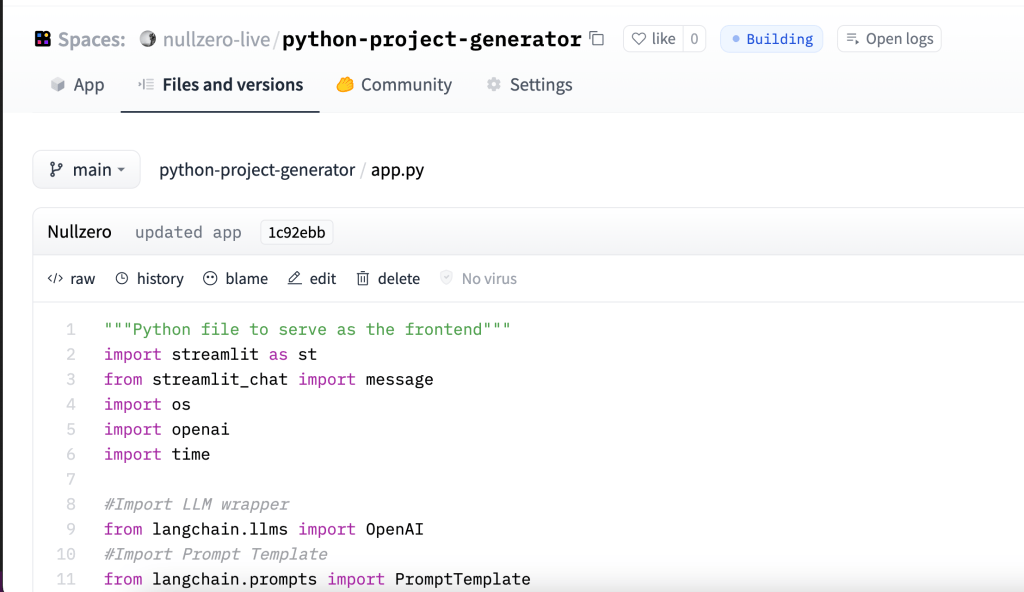
HuggingFace Link: https://huggingface.co/spaces/nullzero-live/python-project-generator/
Github Link: https://github.com/nullzero-live/prompt-engineering-llmchain
In this tutorial, we will be building a Python project generator that utilizes Langchain and Streamlit. We will be using OpenAI language models and chaining them together to generate coherent and functional Python scripts (hopefully!) We will also create a simple UI using Streamlit to interact with the Langchain library.
The frontend of our application is written in Python and uses the Streamlit library for the UI. We import necessary libraries such as Streamlit, openai, and time. We also import Langchain’s ChatOpenAI and SimpleSequentialChain classes to create and chain our OpenAI models.
We define a load_chain() function that loads the OpenAI model and creates a chain for generating the code. The function takes an API key as input to access the OpenAI language models. The chain generates an outline of the coding steps to develop the program in five steps and then generates the Python code for each step.
We also define a get_text() function to capture user input from the UI. The function returns user input, which describes the desired Python project in 1-2 sentences.
We use the load_chain() function to generate the code for the user input. Once the code is generated, we store it in the session state of the UI using the Streamlit message() function. We also store the user input in the session state for future reference.
The UI allows users to enter their OpenAI API key, describe their Python project in 1-2 sentences, and generate the code for their project. The generated code is displayed in the UI along with the user input.
This tutorial demonstrates how to use Langchain, Streamlit, and OpenAI language models to build a Python project generator. It also showcases how to create a simple UI using Streamlit and store data in the session state.
Streamlit Documentation, LangChain Documentation, OpenAI Documentation
— Written by ChatGTP and lightly edited by a human.
 Aylex Riom